Review each capture
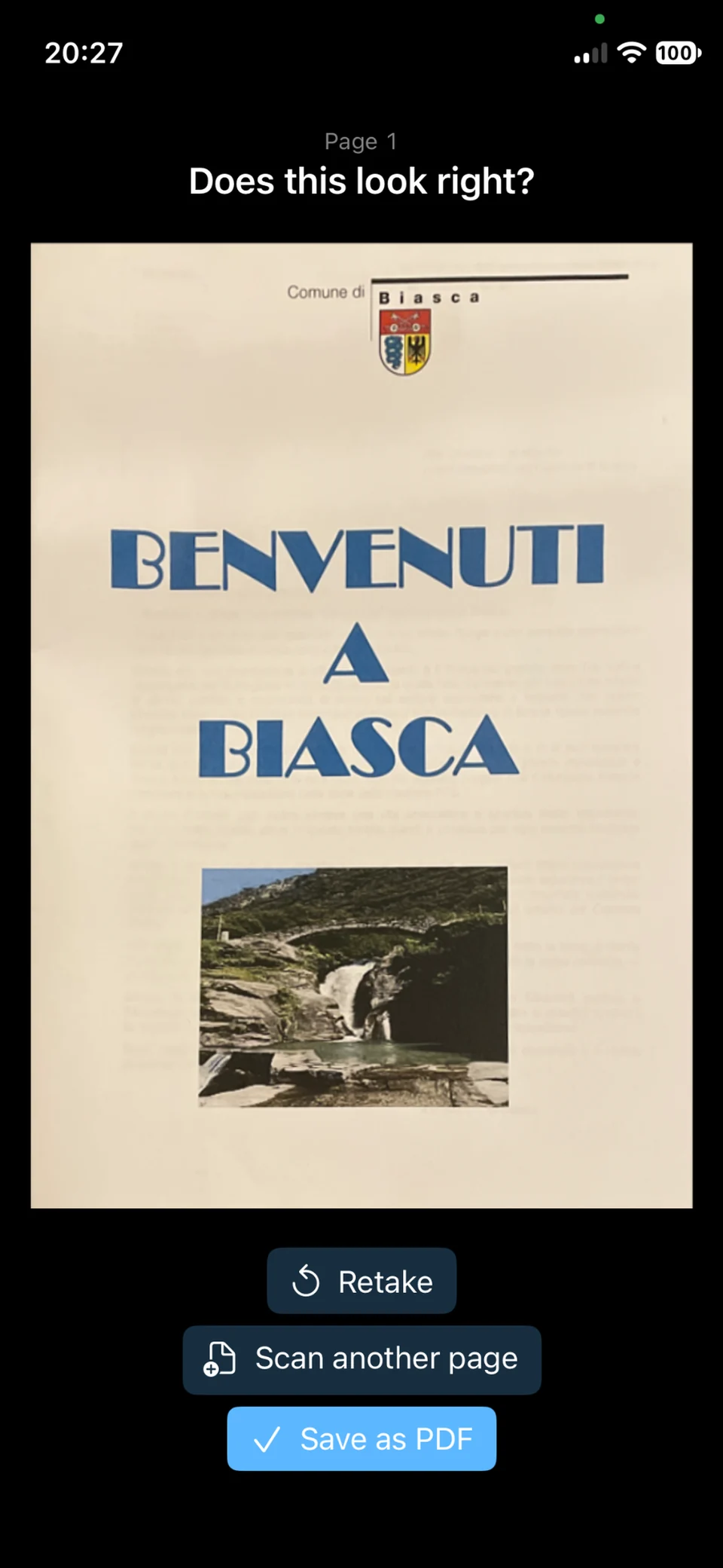
Preview the page, retake it if needed or scan the next one. Save when the document is ready.
 App Scan Documents
For iPhone and iPad
Scan with the camera or import from Photos, adjust the edges and combine multiple pages in a single PDF on iPhone and iPad.
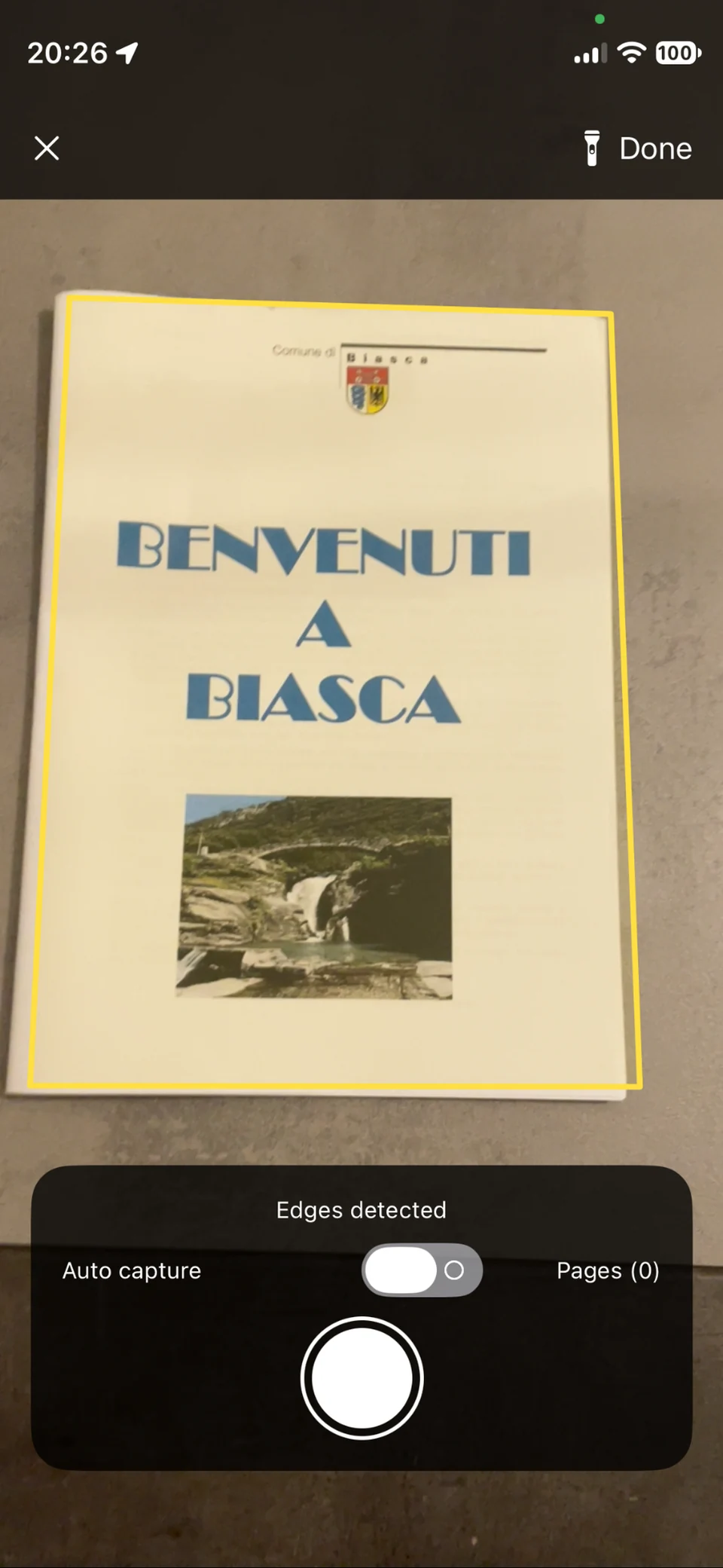
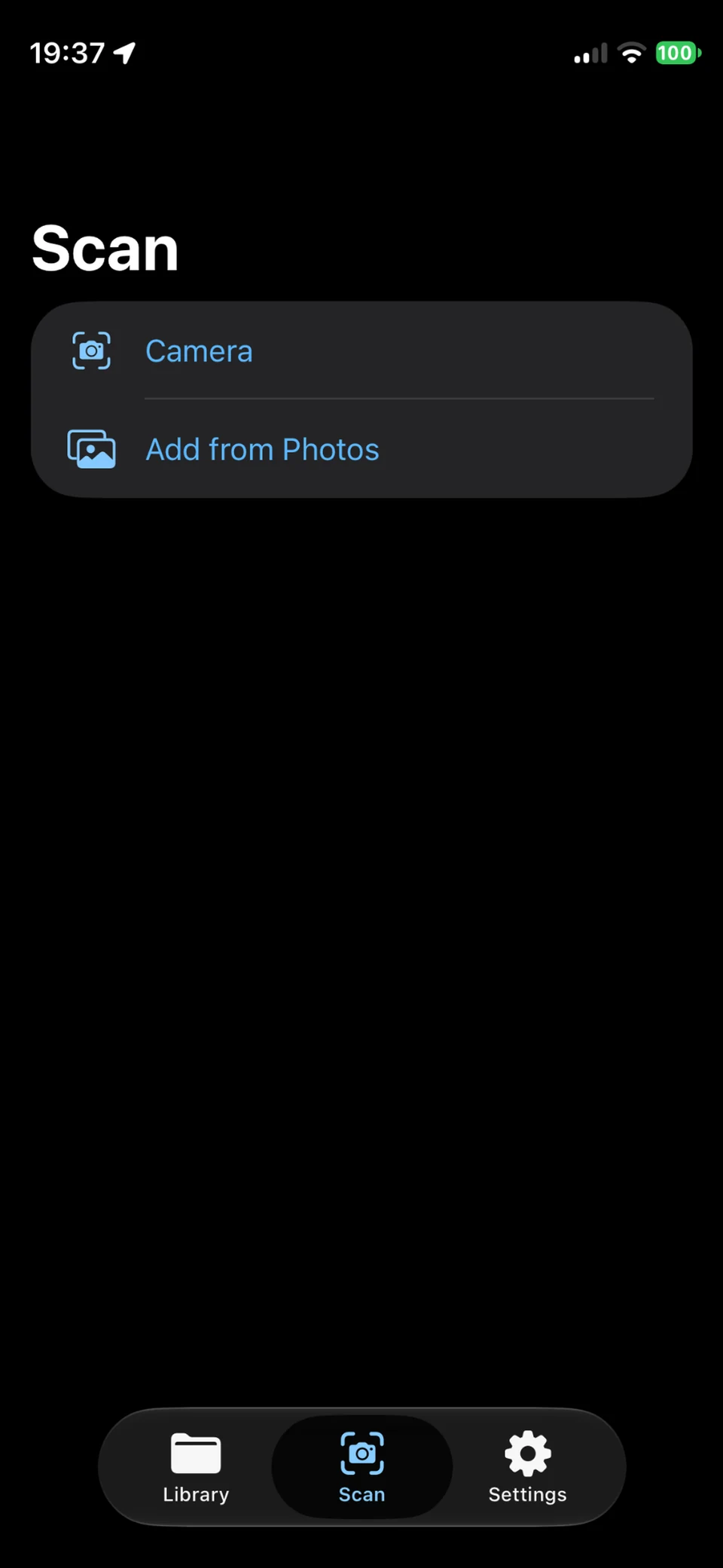
Frame the paper or choose a photo you already have.
Review the edges and add the pages you need.
Choose the compression level, then save and share the file.
Preview the page, retake it if needed or scan the next one. Save when the document is ready.
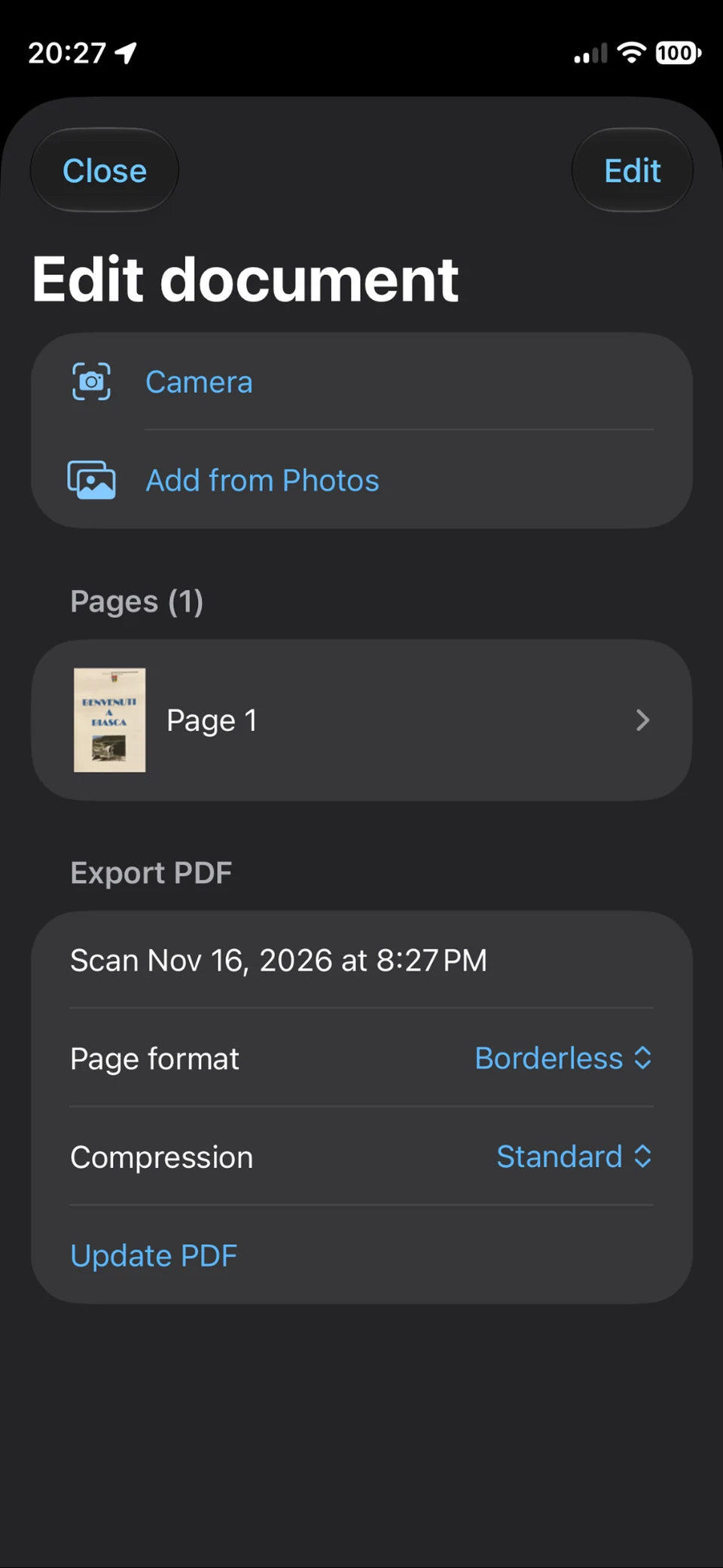
Reorder the pages, adjust the four corners and choose the page format and compression level before exporting.
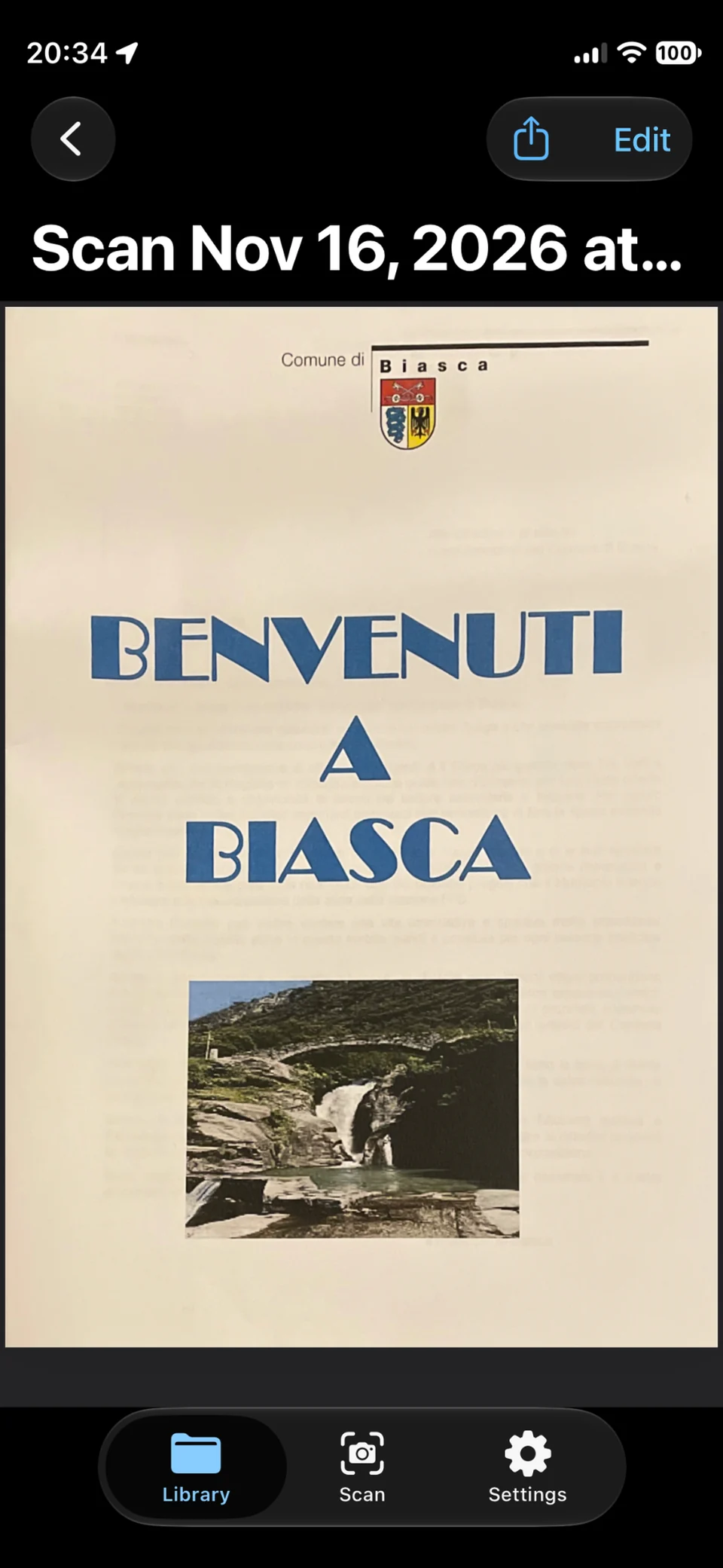
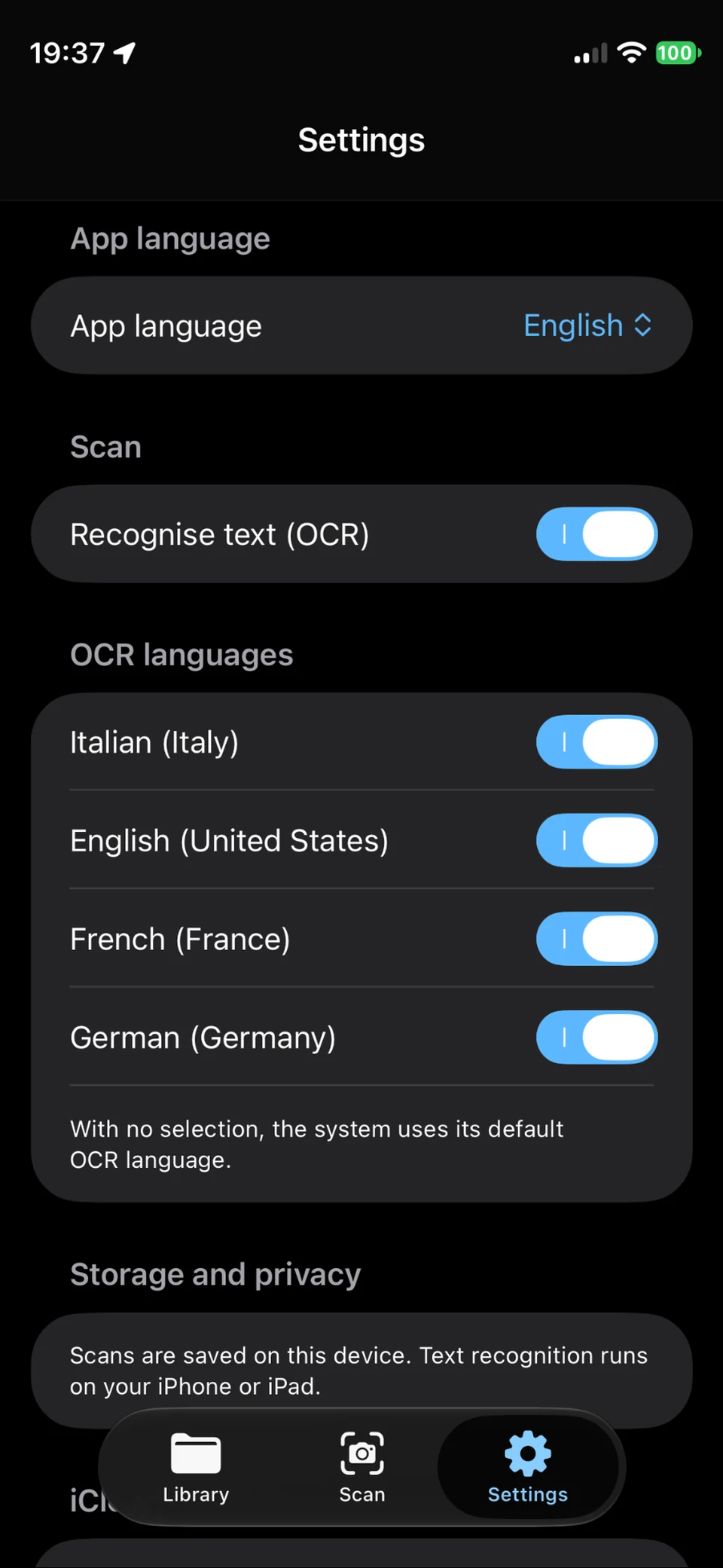
On-device OCR makes recognised text searchable and selectable. Open a PDF from the library to share it or export its text.
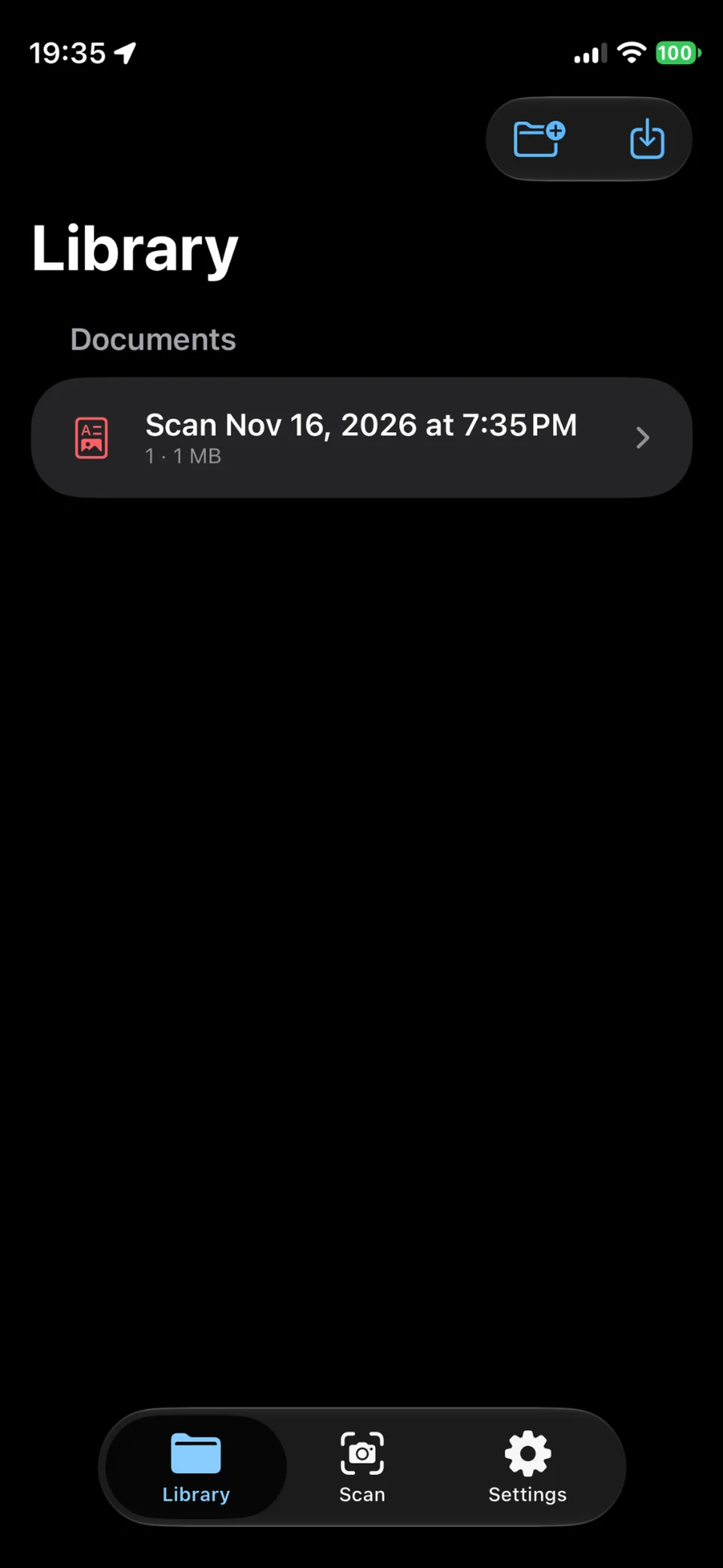
Find your scans in the library, organise them in folders and search by name or recognised text.
 Enlarge screenshot
 Enlarge screenshot
Scanning, text recognition and PDF creation run on your device even without internet access.
For iPhone and iPad · Coming soon