 Enlarge screenshot
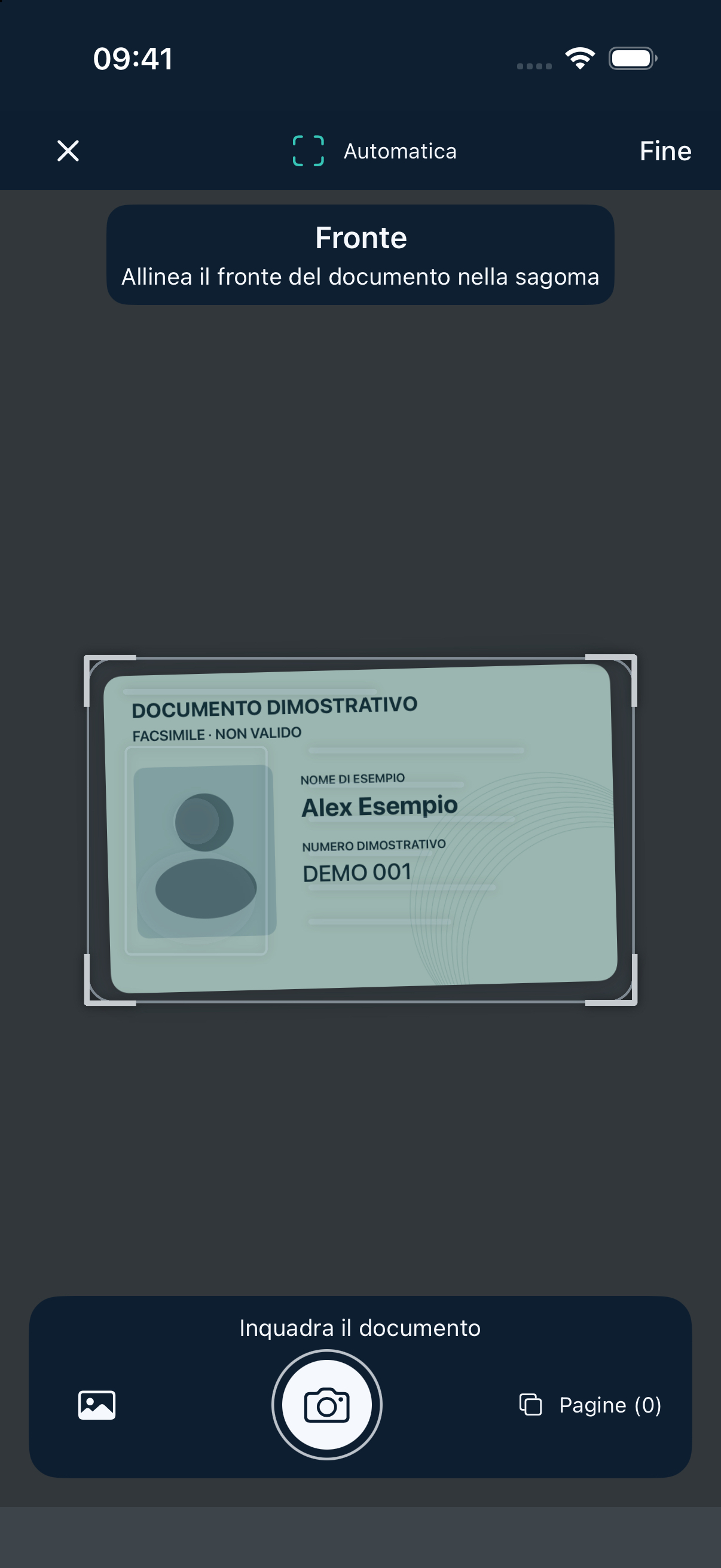
Frame your document
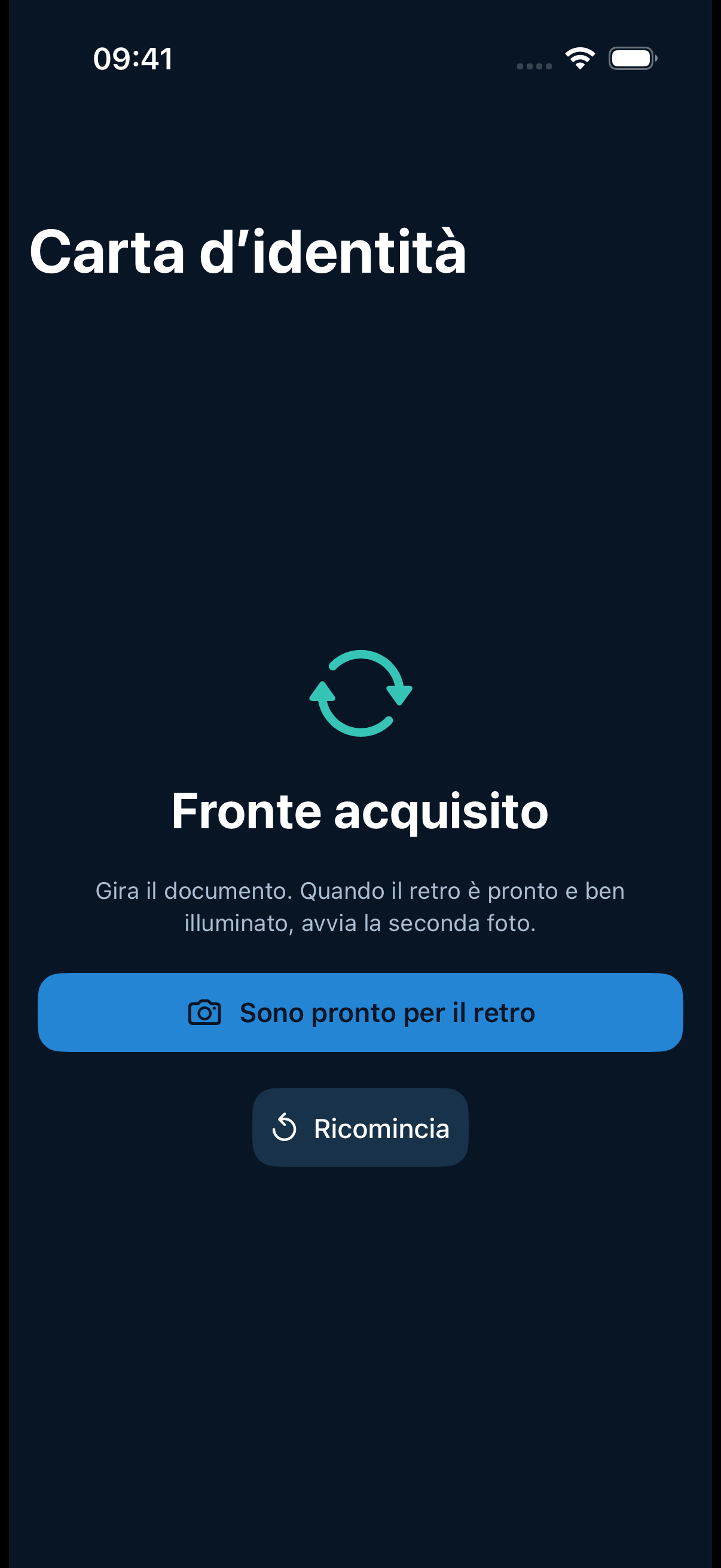
Follow the guide to capture both sides of a card or the passport page with the photo and personal details.
 Vadual ID Scanner to PDF
For iPhone and iPad
Scan ID cards, driving licences and passports on iPhone and iPad.
Screenshots in Italian with a sample document.
Enlarge screenshot
Follow the guide to capture both sides of a card or the passport page with the photo and personal details.
 Enlarge screenshot
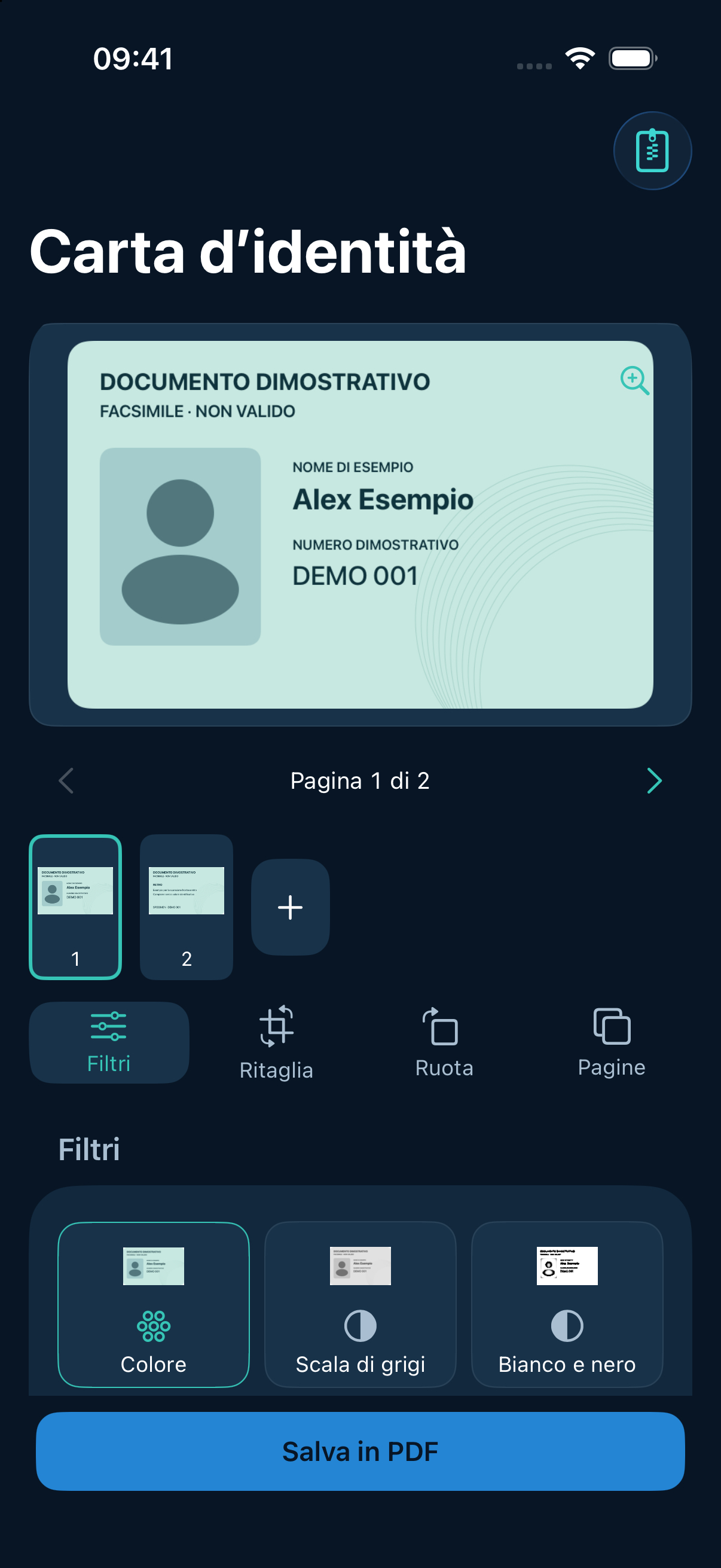
Review each shot, crop, choose a filter and adjust compression before saving as an A4 PDF.
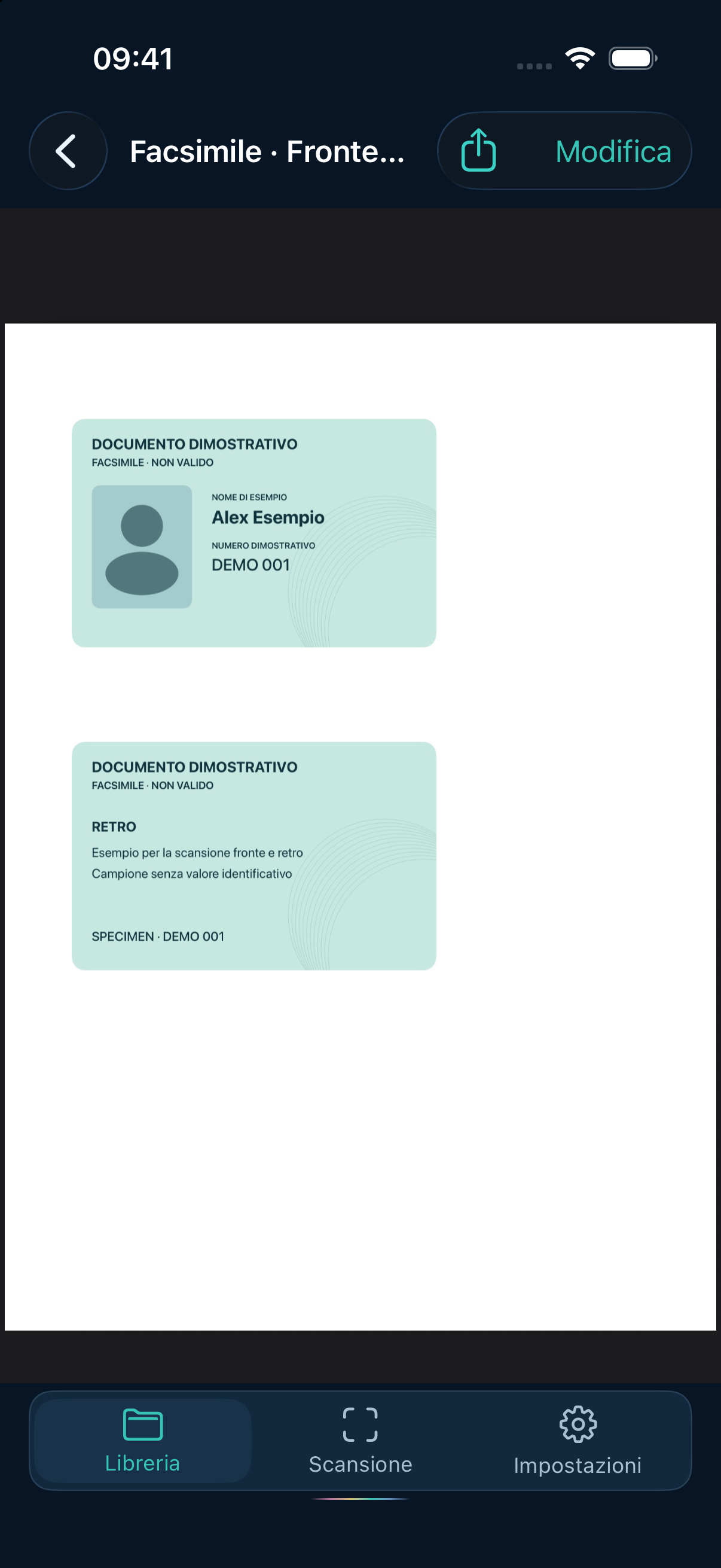 Enlarge screenshot
Save both sides of an ID card or driving licence on a single A4 page. For a passport, capture the page with the photo and personal details.
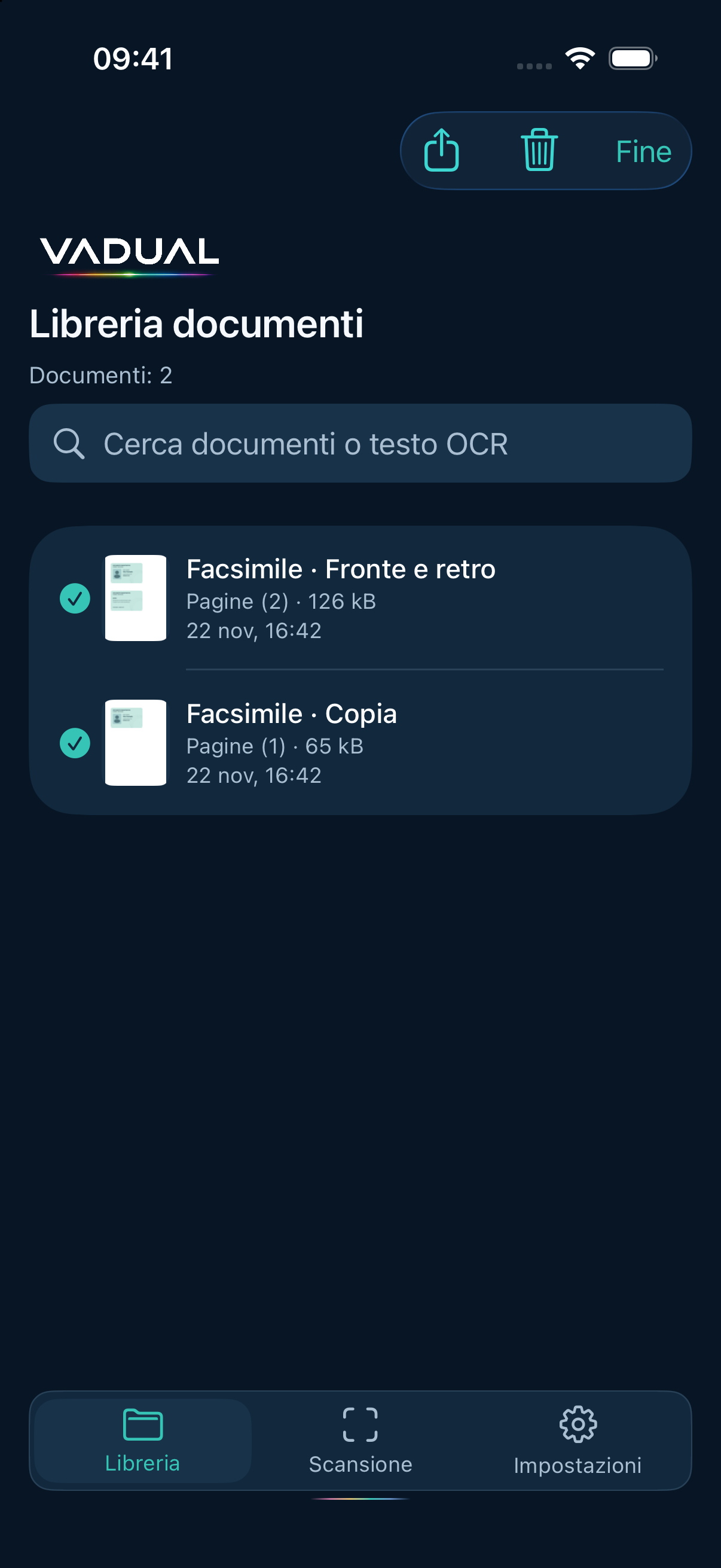 Enlarge screenshot
Open a PDF or select several to share them together.
Choose your language. The app and website support 13 languages.
For iPhone and iPad · Coming to the App Store